- Case study
- Real estate
- Web · Responsive
Reimagining howhome finds you.
- Industry
- Real estate & luxury living
- Design focus
- UI design & experience storytelling

About Homely
Reimagining how home finds you.
Finding a home should feel like the beginning of something beautiful—not an endless search. Homely is a premium real-estate experience that brings inspiring properties, clear information, and expert guidance into one considered space.
The goal: turn browsing into belonging. A visual-first journey helps people discover a property, understand what makes it special, and take the next step with confidence.
- Platform
- Web · Responsive case study
- Industry
- Real estate & luxury living
- Design focus
- UI design & experience storytelling
- Scope
- Discovery → Listings → Details → Contact
- Primary CTA
- Get in touch
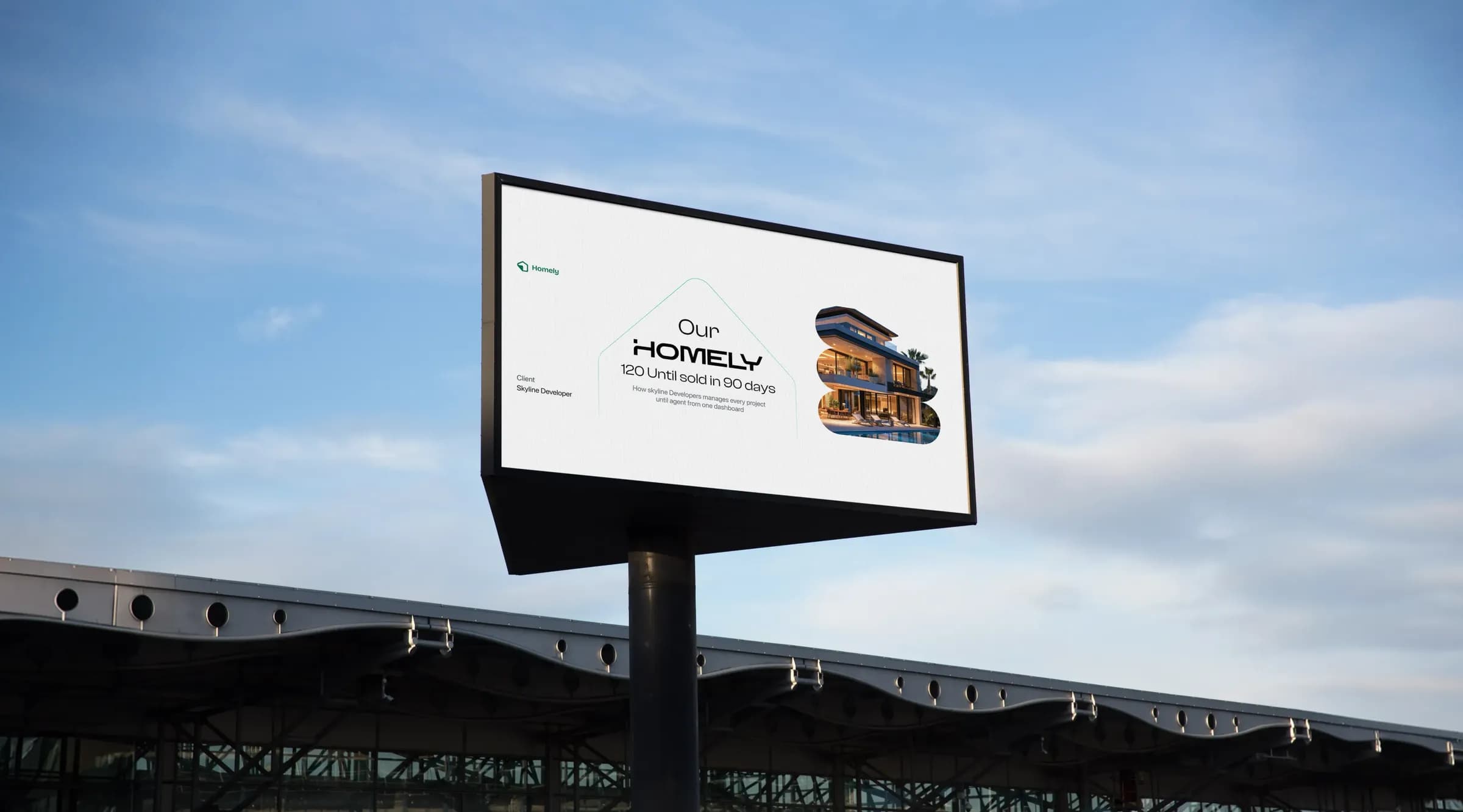
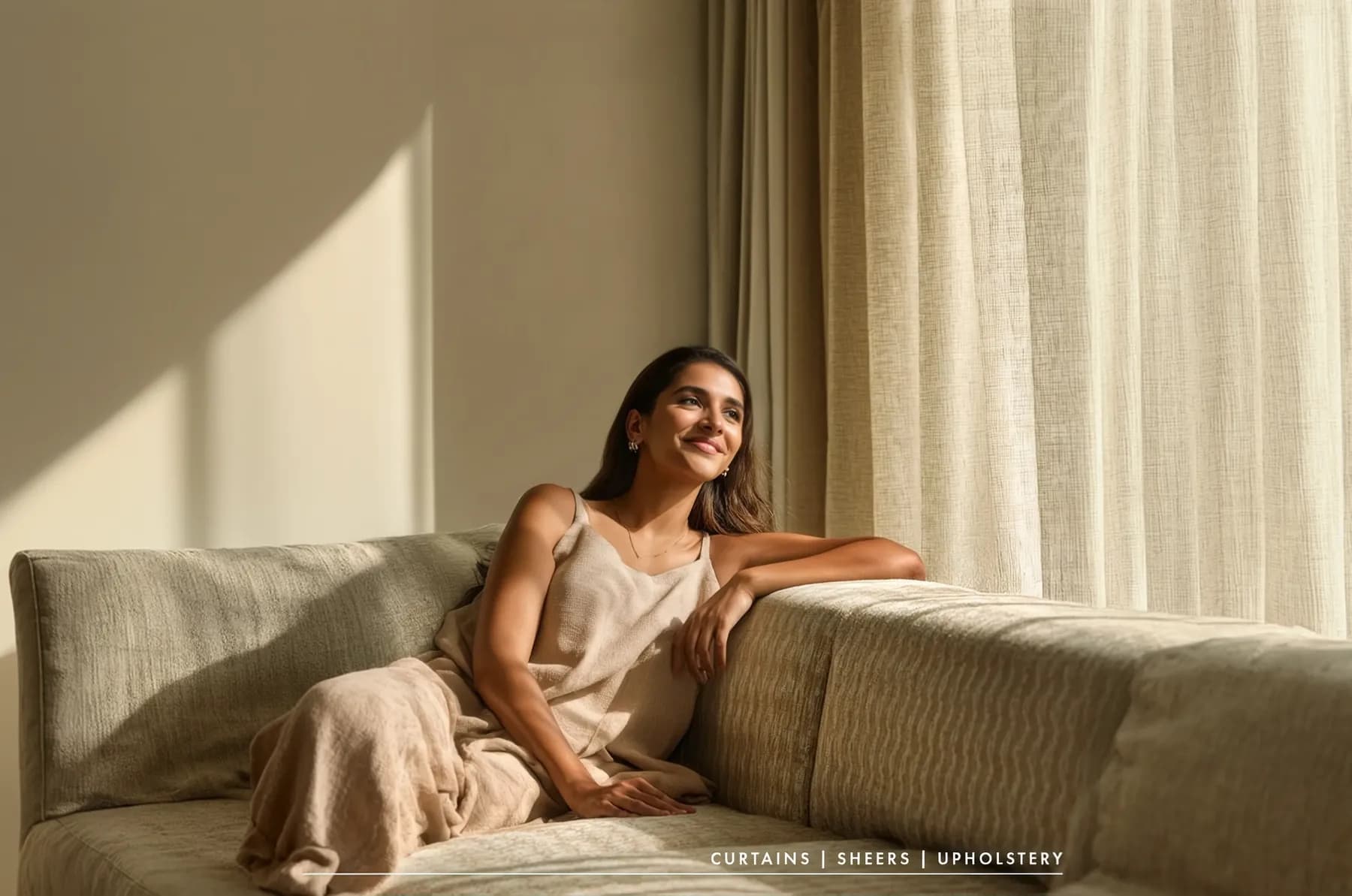
Feels LikeHomeEven ifyou are away

Visual style
Expressive typography, generous space, rich imagery, and an emerald accent.
Typography
Bricolage Grotesque
- Regular
- Medium
- Semi Bold
- Bold
Colors
- White#FFFFFF
- Black#000000
- Gold#FFC65E
- Emerald#07BE8A
What users faced & how we fixed it
Buyers needed more than a property list. The design answers their pain points with clear goals.
/1 Problem
Buyer pain points
- Finding the right home takes time
- Similar listings are difficult to compare
- Price and key details feel scattered
- Long descriptions hide useful facts
- The next step is not always obvious
/2 Solution
Design goals
- Curated properties with clear categories
- Clean layouts and a strong visual hierarchy
- Scannable amenities and property details
- A clear “Get in touch” next step
/3 Realistic feeling
User quotes
- “Help me see whether this home fits my life not just whether it looks beautiful.”
- “Let me understand the details before I start a conversation.”
Design process
A considered progression from understanding the experience to building a cohesive visual language. A proposed framework, not a claim of completed research.
- 01Week 1–2
Discovery
Define the audience, review property discovery patterns, and identify what buyers need to feel informed.
- 02Week 3
Information Arch.
Organize the journey around discovery, evaluation, education, and a direct route to contact.
- 03Week 4–5
Wireframing
Establish hierarchy for property cards, image galleries, key facts, and enquiry actions before styling.
- 04Week 6–8
Visual design
Bring the experience together with expressive typography, generous space, rich imagery, and an emerald accent.
- 05Week 9
Validation & handoff
Propose usability checks, reconcile property data, and document reusable patterns for development.
From browsing to a conversation.
Every page belongs to one of four moments in a buyer's journey, and every page offers a way forward.
- 01Discover
- Home
- 02Evaluate
- Properties listing
- Property detail
- 03Learn
- Blog listing
- Blog article
- 04Connect
- Contact us
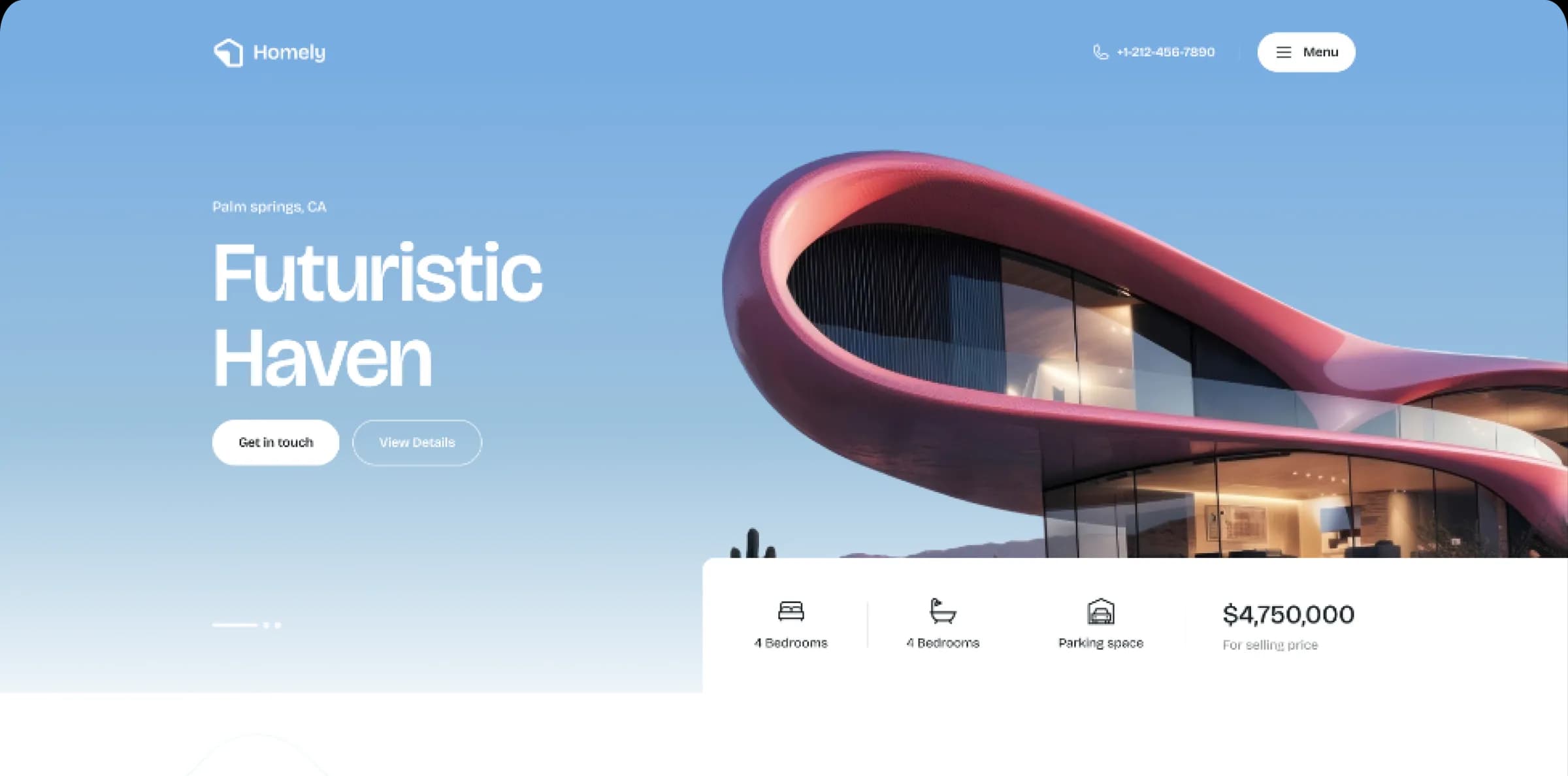
Our guiding principles.
Premium should feel effortless. Three principles shape an experience that is as useful as it is beautiful.

Inspiration, with intention
Architectural imagery creates an emotional connection, while clean composition keeps the property not the interface in focus.

Clarity at every step
Price, location, bedrooms, bathrooms, and area follow a consistent rhythm, so the important details are never far away.

A human next step
An approachable contact experience connects digital discovery to a real conversation with an expert.
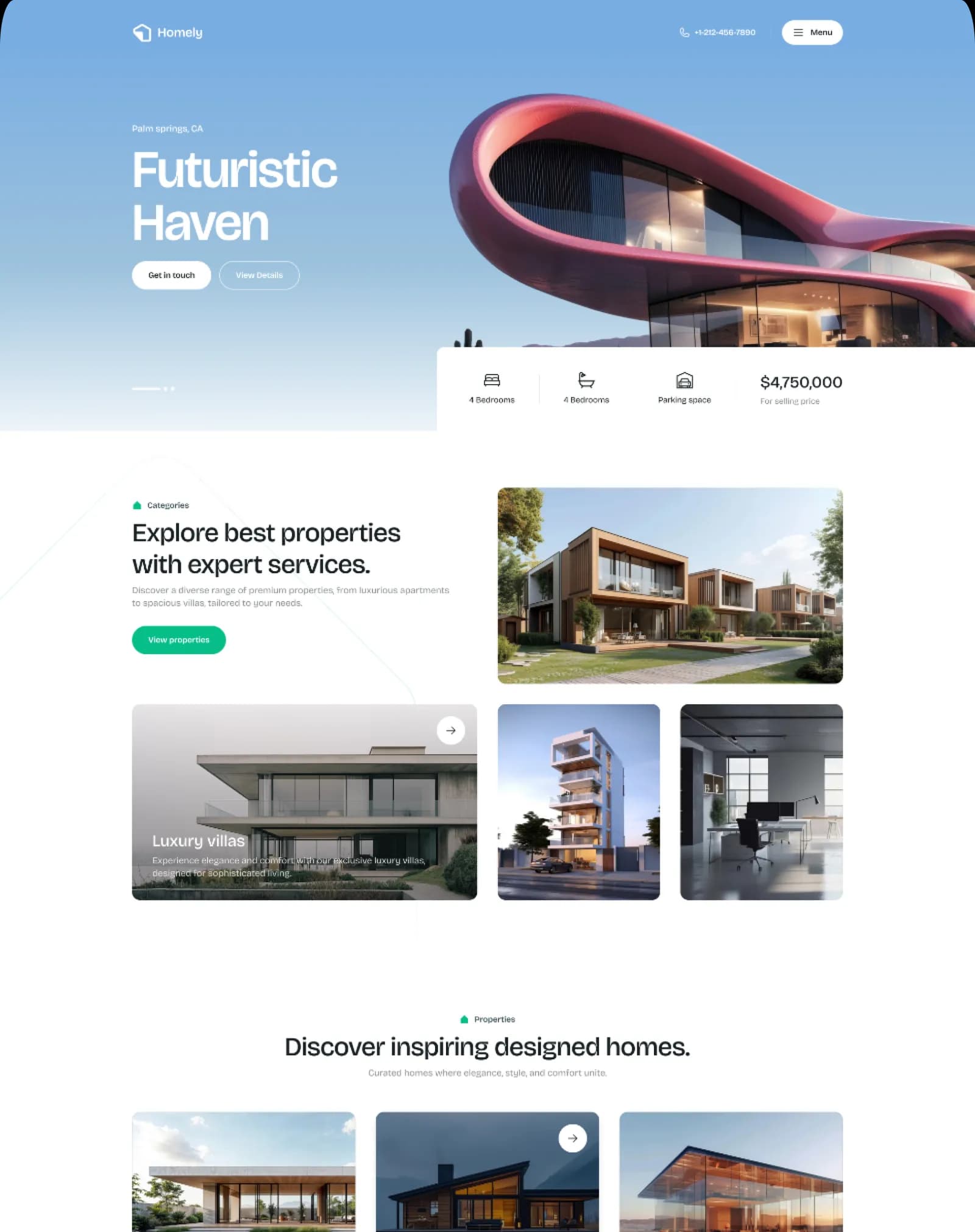

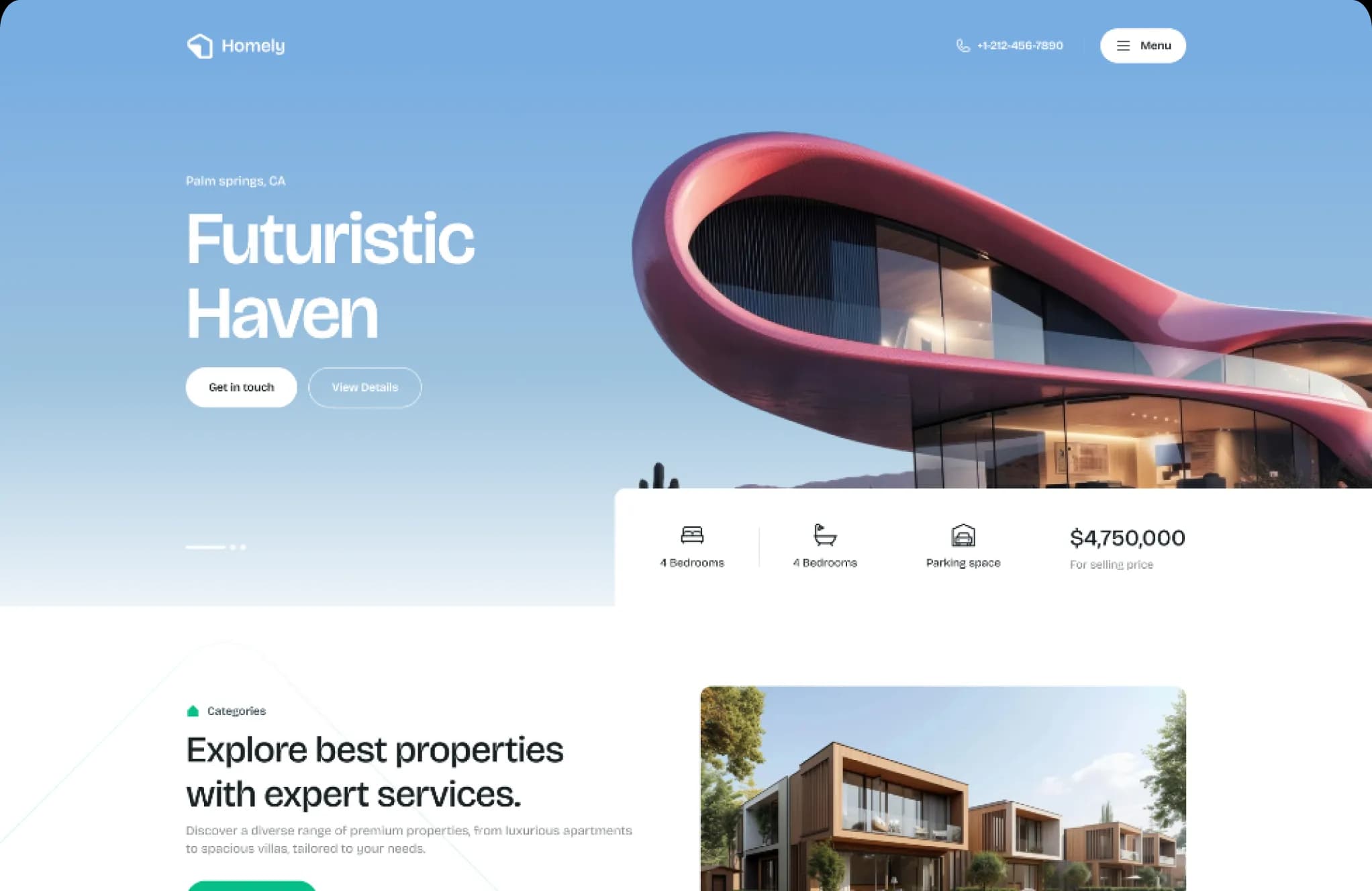






Start from a category, not a search box
Grouping homes by lifestyle lets buyers narrow the field with one tap, right after the hero, before they are asked to filter anything.
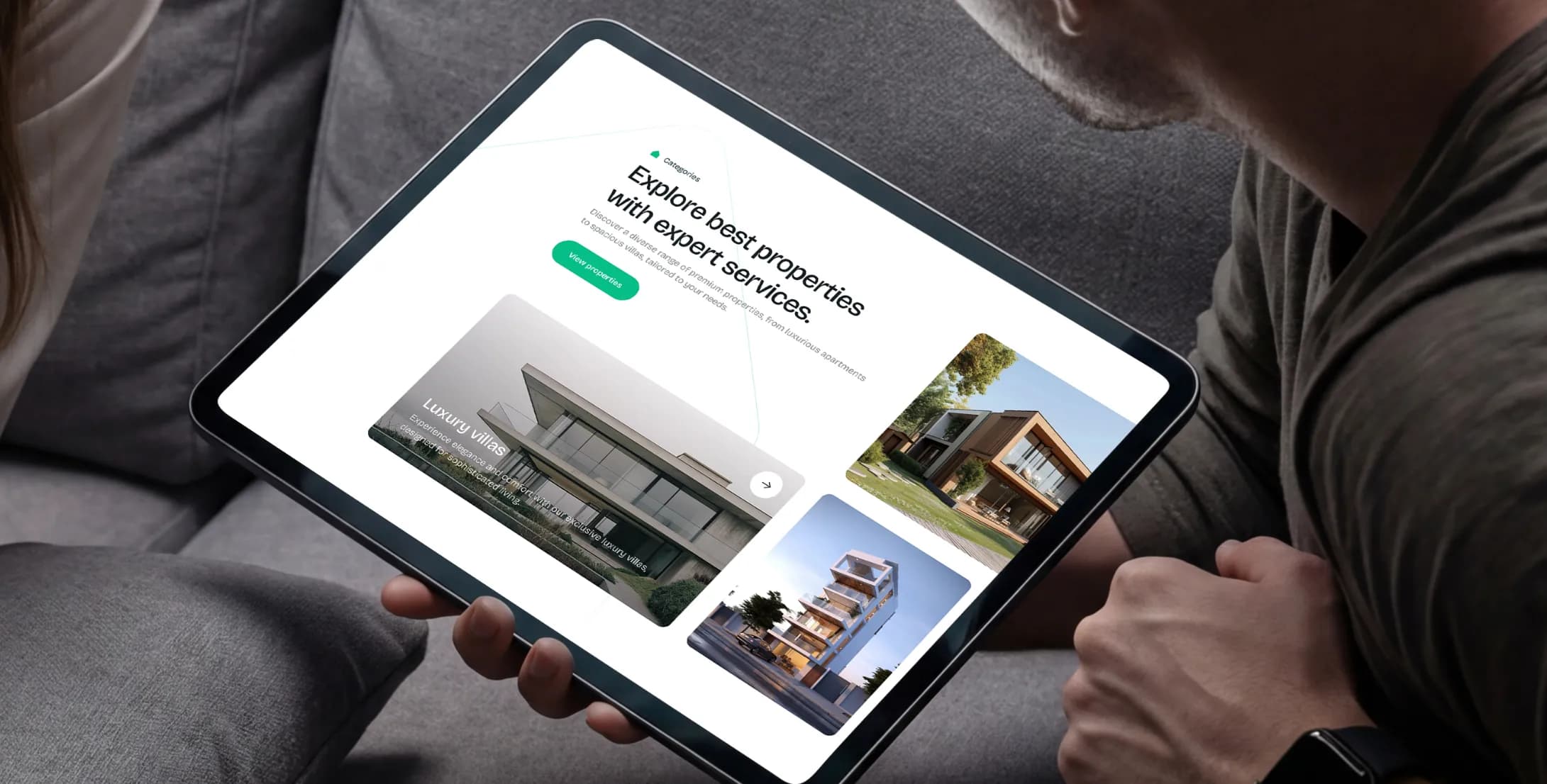
- 1Promise first: premium homes with expert help.
- 2One primary action into the full listing.
- 3Tiles carry a name and a one-line description.
Designed for confident decisions.
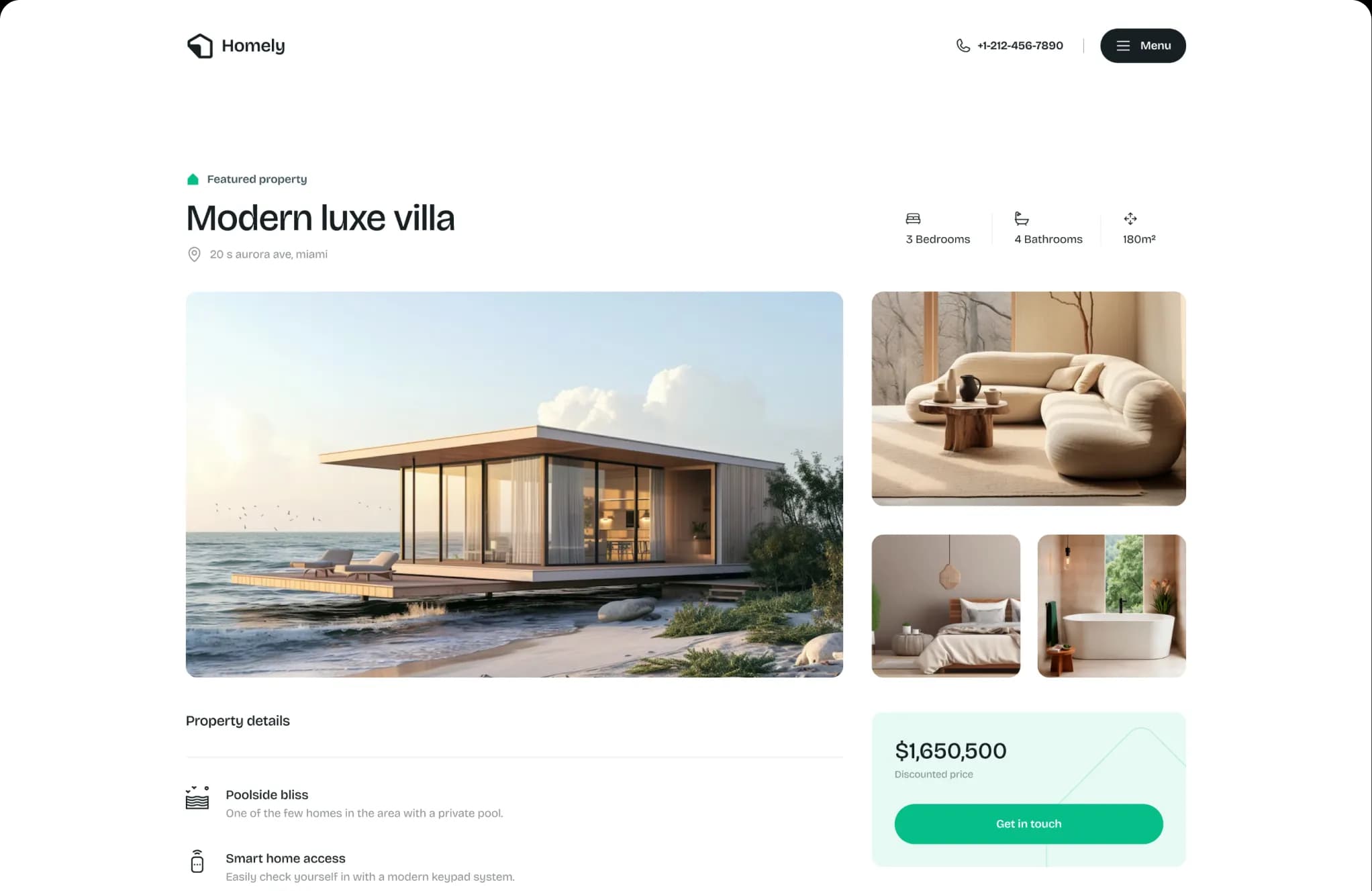
See the bigger picture
A gallery balances the architecture with interior details, making the space easier to imagine.
Find what matters
Scannable amenities and a dedicated price panel give practical information room to breathe.
Take the next step
The enquiry action sits alongside the property story, ready when interest becomes intent.
The property experience
Aspirational on the surface.Informative at its core.
A home search built around confidence.
Inspiration, clarity, and a human next step. Three guiding principles come together in one considered real-estate experience.

Inspiration first
Architectural imagery creates an emotional connection while keeping the home in focus

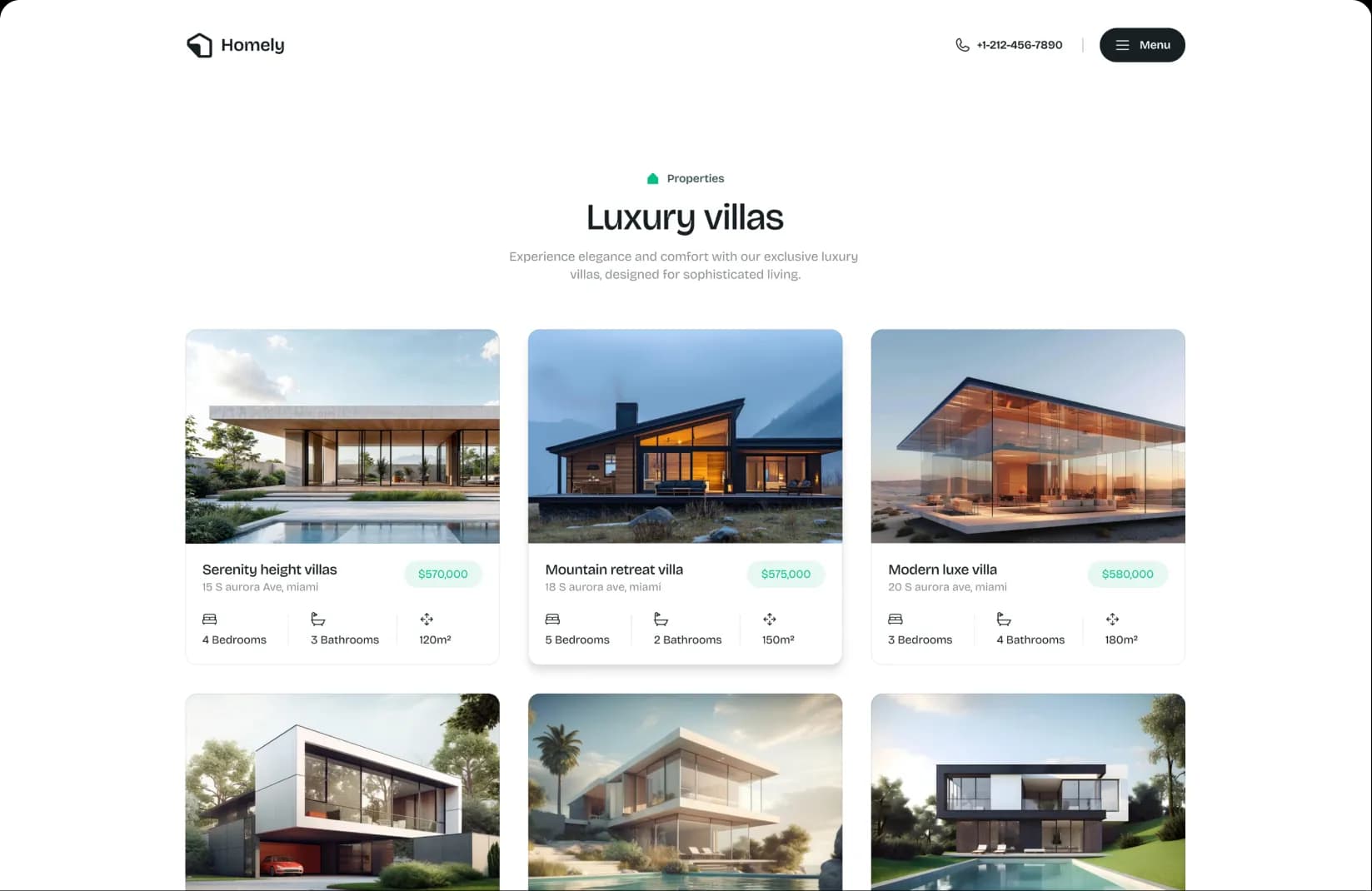
From browsing to detail
Consistent property cards help buyers choose a home to explore in more detail before starting a conversation.

Facts at a glance
A calm hierarchy highlights the price, space, and property essentials without visual clutter.
A home search built around confidence.
Inspiration, clarity, and a human next step. Three guiding principles come together in one considered real-estate experience.
Inspiration first
Architectural imagery creates an emotional connection while keeping the home in focus
From browsing to detail
Consistent property cards help buyers choose a home to explore in more detail before starting a conversation.
Facts at a glance
A calm hierarchy highlights the price, space, and property essentials without visual clutter.
Designed for confident decisions.
Aspirational on the surface. Informative at its core.
- 01
See the bigger picture
A gallery balances the architecture with interior details, making the space easier to imagine.
- 02
Find what matters
Scannable amenities and a dedicated price panel give practical information room to breathe.
- 03
Take the next step
The enquiry action sits alongside the property story, ready when interest becomes intent.
Discover. Connect. Belong.
Inspiration, clarity, and a human next step. Three guiding principles come together in one considered real-estate experience.
Homely · Case Study